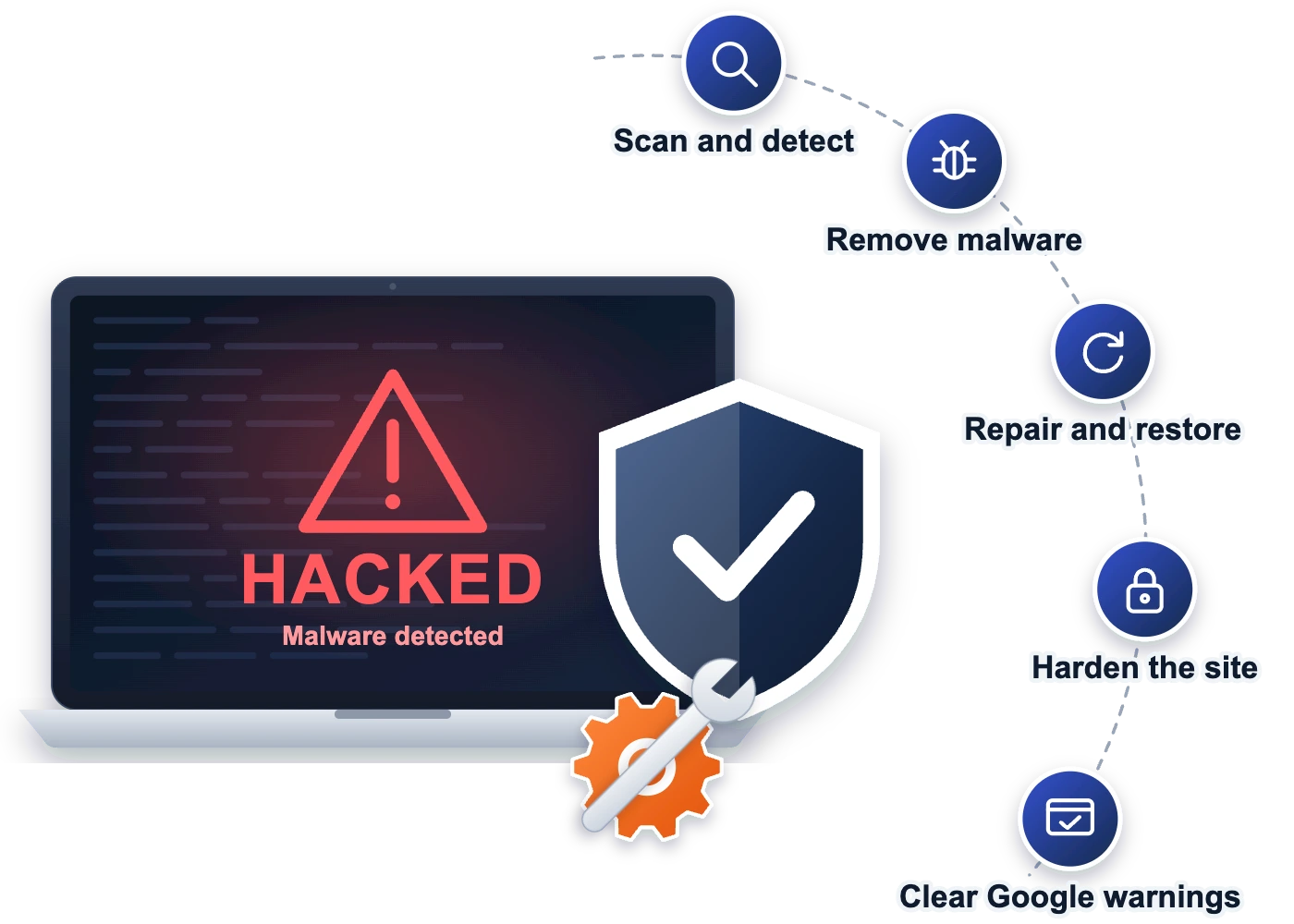
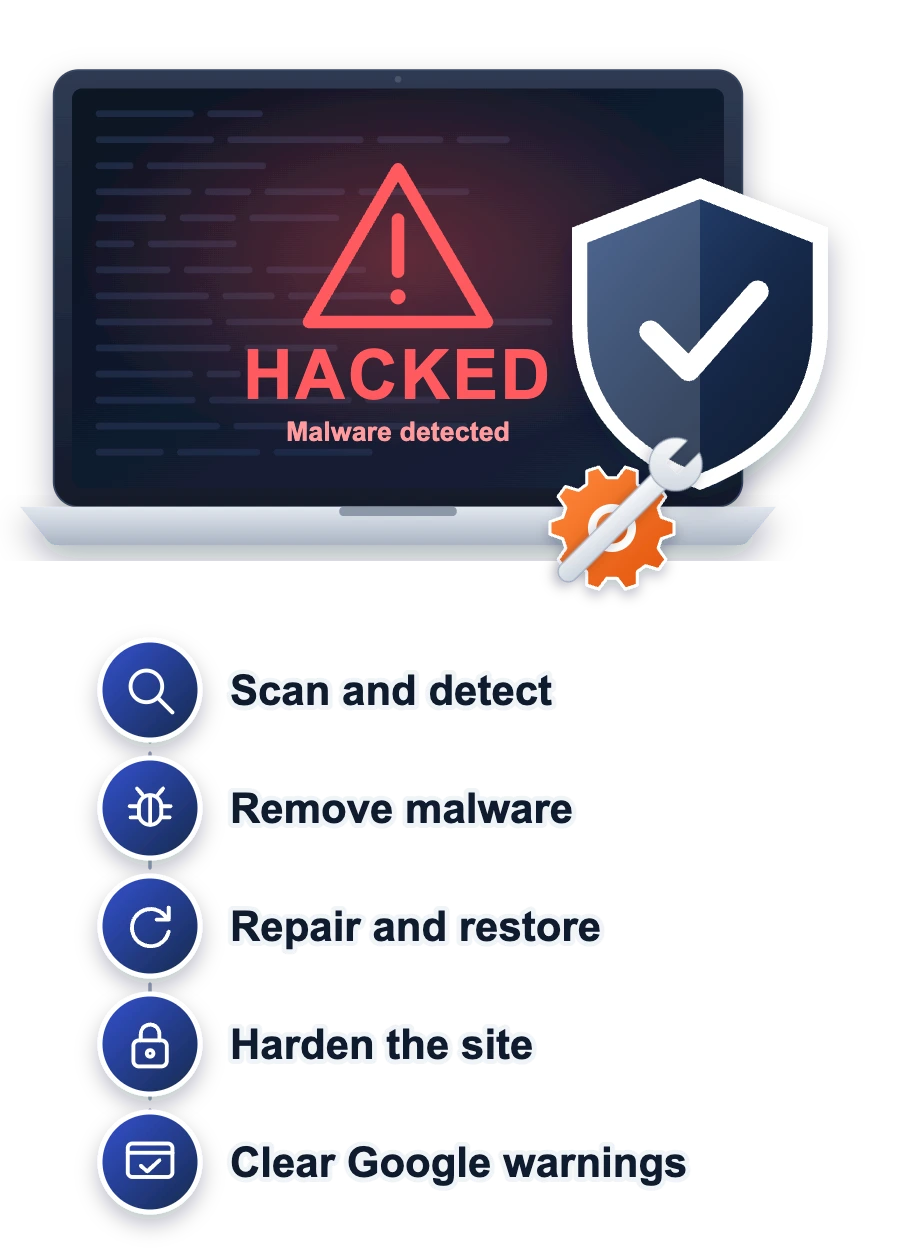
WordPress malware removal service for hacked sites
Web Designer Factory’s WordPress malware removal service cleans hacked sites by hand, closes the hole the attacker came through and asks Google to lift its warning. When we’re done, you get a short report that explains what happened in plain words.
Businesses we’ve designed and built for










WordPress hacked? Here's what usually happened
Most hacked WordPress sites weren’t picked out by a person. Bots scan millions of sites for an old plugin, a theme with a known hole or a weak password, then slip in code that sends your visitors elsewhere or fills Google with spam pages in your name.
Deleting the files you can see rarely ends it. Attackers leave backdoors, hidden scripts that let them back in, so the site gets reinfected a few days later. A real cleanup finds every one of them and shuts the door they used.
Web Designer Factory does that work on WordPress, WooCommerce and Elementor sites, whoever built them.
- Visitors sent to spam sites
- Google's "may be hacked" warning
- Pages you never wrote in Google
- Admin users you didn't add
What our WordPress malware cleanup includes
Every step a proper cleanup needs, done by a person and written up so you can see it happened.
Infected copy saved
We take a full copy of the hacked site before touching anything, so nothing you need gets lost.
File and database scan
A server-side scanner plus a manual review of every file and database table, not a plugin's quick check.
Backdoors removed
Malware, backdoors, spam pages and fake admin users come out, and core files are replaced clean.
Entry point closed
We find how they got in, then update or replace the vulnerable or nulled plugin or theme.
Google warning cleared
We clear spam URLs from Google and send the review request that removes the "may be hacked" warning.
Site hardened
Passwords and security keys reset, two-factor login added, a firewall turned on and dashboard file editing switched off.
Who our hacked website repair is for
If your WordPress site is doing something you didn’t ask it to, this is the right page.
- Google flags your site
- Your host suspended it
- Visitors land on spam pages
- Someone else built the site
Probably not a fit if your site runs on Wix, Squarespace or Shopify. Those platforms run their own servers, so a “hack” there is usually a stolen login, which the platform helps you reset.
What clients say when their site needs help fast
We don’t name clients whose sites were hacked, since nobody wants that on someone else’s website. These two reviews come from moments like the ones on this page: a site that went down, and a problem another team couldn’t fix.
“He had my website back up and running in hours”
“I would recommend Ghulam to anyone struggling with updating their website, whether that’s coding, SEO work or doing updates. As a small business owner, I’m familiar with how to do simple things on my WordPress website but when I came to Ghulam with a challenging project (for me anyway) it was completed quickly and professionally. He made sure I was satisfied with the work he did and helped show me how to access certain features I wasn’t familiar with. Fast forward to months later and I messaged him in a panic after I crashed my website. He had my website back up and running in hours without any question or delay. I will definitely be hiring him again to continue to update my website and keep it running smoothly.”
Michael Griswold · Google
“Top shelf here. Solved a problem with my site that had been going on for 2 years. The other development team could never fix it. Very thorough, very honest and very skilled.”
★★★★★ 5.0 on Google and Clutch
Every review on this page is quoted word for word from our Google profile, with nothing trimmed or tidied up.
WordPress malware removal services and pricing
One flat price per site for most cleanups, with the cases that cost more listed underneath.
One-time cleanup
For any hacked WordPress site
- Full cleanup and hardening
- Google warning review request
- Blacklist removal requests
- Help with a suspended host
- A report in plain words
- Free re-clean for 30 days
Care clients
For sites on our care plans
- Everything in the one-time cleanup
- Fixed by the team that knows your site
- Daily backups to compare against
- Same start time and re-clean promise
- Your plan keeps running as normal
Clean it, then protect it
Toward a yearly care plan
- Sign up within 30 days of the cleanup
- The full cleanup fee comes off year one
- Free move to our Texas-based servers
- Weekly tested updates and daily backups
- Firewall and 24/7 monitoring
We quote higher for WooCommerce stores with customer data, several sites on one hosting account, repeated reinfections, or a site with no clean backup to work from. The price in your proposal is the price you pay.
The free re-clean applies when a site is reinfected within 30 days and no new untrusted plugins have been installed since the cleanup.
WordPress security services that keep it clean
A cleanup fixes today’s problem. What stops the next one is regular, unexciting work: updates, backups and a firewall in front of the site, every single week.
Our website maintenance plans do exactly that, and the cleanup fee is credited if you join within 30 days.
Weekly updates
Plugins patched before bots find them.
Dual-layer firewall
Attacks stopped before they reach you.
Daily backups
A clean copy from each of the last 30 days.
24/7 monitoring
Our own system watches your server.
Two-factor login
One stolen password is no longer enough.
Free migration
A free move to our Texas-based servers.
Hacked WordPress site? What each sign usually means
These are the signs owners usually notice first, what tends to cause each one and what the cleanup involves. If you’re seeing more than one, that’s normal: most hacks do several things at once.
| What you notice | Usually caused by | What we do |
|---|---|---|
| Visitors redirected to spam or scam sites | Code injected into theme files, .htaccess or the database | Remove the code, then find and close the backdoor |
| Japanese or pharma pages in Google | The Japanese keyword hack or a pharma hack creating spam URLs | Delete the pages, clear the spam URLs and ask Google to recrawl |
| “This site may be hacked” in search results | Google spotted spam or content you didn’t publish | Clean the site, then send the review request in Search Console |
| A red “Deceptive site ahead” browser warning | Phishing pages or malware flagged by Google Safe Browsing | Remove them and request a Safe Browsing review |
| Your host suspended the account | Malware found on the server, often sending spam email | Clean the files and send the host our cleanup report |
| Admin users you didn’t create | A stolen password or a vulnerable plugin | Remove the users, reset passwords and keys, add two-factor login |
| The site is suddenly slow or crashing | Hidden scripts using your server’s resources | Remove the scripts and check the server load |
Our WordPress hacked fix, step by step
You don’t need to know what went wrong. Tell us what you’re seeing and we’ll take it from there.
Tell us what's happening
Send your site address and what you’re seeing through the form or by email.
Copy and scan
We save a copy of the site, then check the files and database by hand.
Clean and close
Malware and backdoors come out, and the hole they used gets closed.
Report and review
You get a plain-words report, and we ask Google to lift any warning.
Why owners choose us to fix a hacked website
- Published price. You see the cleanup cost before you get in touch.
- Done by hand. A person reviews your files, not only an automated scan.
- The hole gets closed. We fix how they got in, so the site stays clean.
- A report you can read. What we found, how they got in, what changed.
- 5.0 on Google and Clutch. Earned from owners whose sites we build and fix.
- 15+ years of experience. Building and repairing WordPress sites since 2010.
Related services
Web Designer Factory also keeps sites safe after a cleanup and makes them faster and easier to grow.
Weekly updates, daily backups and 24/7 monitoring.
Faster WordPress pages that pass Core Web Vitals.
A fresh design that keeps your Google rankings.
Custom themes, plugins and new features built in.
WordPress malware removal FAQs
Still have a question? Send it through the form below or email support@webdesignerfactory.com, and the person who would clean your site will reply.
How much does WordPress malware removal cost?
WordPress malware removal from Web Designer Factory costs $499 per site as a one-time fee, or $249 if your site is already on our Care or Care Plus plan. We quote higher for stores holding customer data, several sites on one hosting account, repeated reinfections or a site with no clean backup, and you see that price in writing before we start.
WordPress site hacked? What should I do first?
If your WordPress site was hacked, change your WordPress, hosting and email passwords, then avoid deleting files yourself, because that can destroy what we need to find the backdoor. Note what you’re seeing and when it started, then send us the site address through the form. Leave the site online unless your host has already suspended it.
How fast can you fix a hacked WordPress site?
Web Designer Factory starts the same day when you reach us before 2 PM Central on a business day, and most sites are clean within 24 hours of the start. Large stores or sites hacked several times can take longer, and we tell you that upfront. Weekend requests are picked up the next business morning.
Can you remove the "This site may be hacked" warning from Google?
Yes, removing Google’s “This site may be hacked” warning is part of every cleanup. Once the site is clean, we send a review request through Google Search Console and clear the spam URLs the hack created. Google’s review can take from a few days to a few weeks, and we keep checking until the warning is gone.
Will I lose my content or Google rankings?
You won’t lose your content, because we save a full copy of the site before any cleanup work begins. Rankings usually recover once the spam pages are gone and Google recrawls the site. The longer a hack stays live, the more damage it does to rankings, which is why we start the same business day.
What happens if my site gets hacked again?
If your site is reinfected within 30 days of our cleanup, Web Designer Factory cleans it again for free, as long as no new untrusted plugins were installed in the meantime. A second hack usually means a backdoor survived, so we treat it as our problem to fix. After 30 days, a care plan is what keeps it clean.
Do you remove the Japanese keyword hack and pharma spam?
Yes, we remove the Japanese keyword hack, pharma spam and other SEO spam that fills Google with pages you never wrote. We delete the injected pages and the code that creates them, then clear the spam URLs from Google’s index and ask it to recrawl, so your real pages show up for your business name again.
How do you remove malware from website files without breaking the site?
We remove malware from website files by comparing them against clean copies of WordPress, your theme and your plugins, so we change only what was tampered with. Your content and settings stay put. Everything happens after we’ve saved a full copy of the site, so any file can be put back if needed.
Should I try a malware removal WordPress plugin first?
A malware removal WordPress plugin can spot a known infection, but it often misses backdoors, database injections and the hole the attacker came through, so the site gets reinfected. Some hacks also disable security plugins. If a plugin has already failed or the site keeps getting hacked again, a manual cleanup is the faster way out.
Do I need a WordPress security service after the cleanup?
Yes, a WordPress security service is what keeps the site clean after the cleanup. Most reinfections come from plugins that fall out of date again. Web Designer Factory’s Care plan, $199 a month, patches plugins every week, keeps 30 days of daily backups and runs a dual-layer firewall, and we credit your cleanup fee if you join within 30 days.
My host suspended my account. Can you still help?
Yes, Web Designer Factory can still clean a site after the host has suspended the account. Most hosts still allow file access for a cleanup, and we work with your host to get it. Once it’s clean, we send the host our cleanup report, which is usually what they need to lift the suspension.
Does your website malware removal service cover sites not on WordPress?
Yes, for other PHP sites, which Web Designer Factory quotes after a quick look. Most of our cleanups are WordPress, WooCommerce and Elementor sites, since that’s where almost every small business hack happens. Wix, Squarespace and Shopify run their own servers, so a problem there is usually a stolen login, and the platform’s support team is the right first stop.
What do you need from me to start the cleanup?
To start the cleanup, we need your site address, what you’re seeing and when it started, plus access to WordPress and your hosting account. You can share logins securely after we reply, never in the form itself. If you can’t find your hosting login, tell us who your host is and we’ll help you recover it.
Tell us what's happening on your site
Send your site address and what you’re seeing, and we’ll reply with what it looks like and a fixed price. Reach us before 2 PM Central on a business day and we start that day.
- Copy saved before we start
- A report when it's done
- Free re-clean for 30 days
- Fee credited toward a plan
Prefer email? Write to support@webdesignerfactory.com and we’ll reply within 1 business day.
★★★★★ 5.0 on Google and Clutch · Reply within 1 business day