
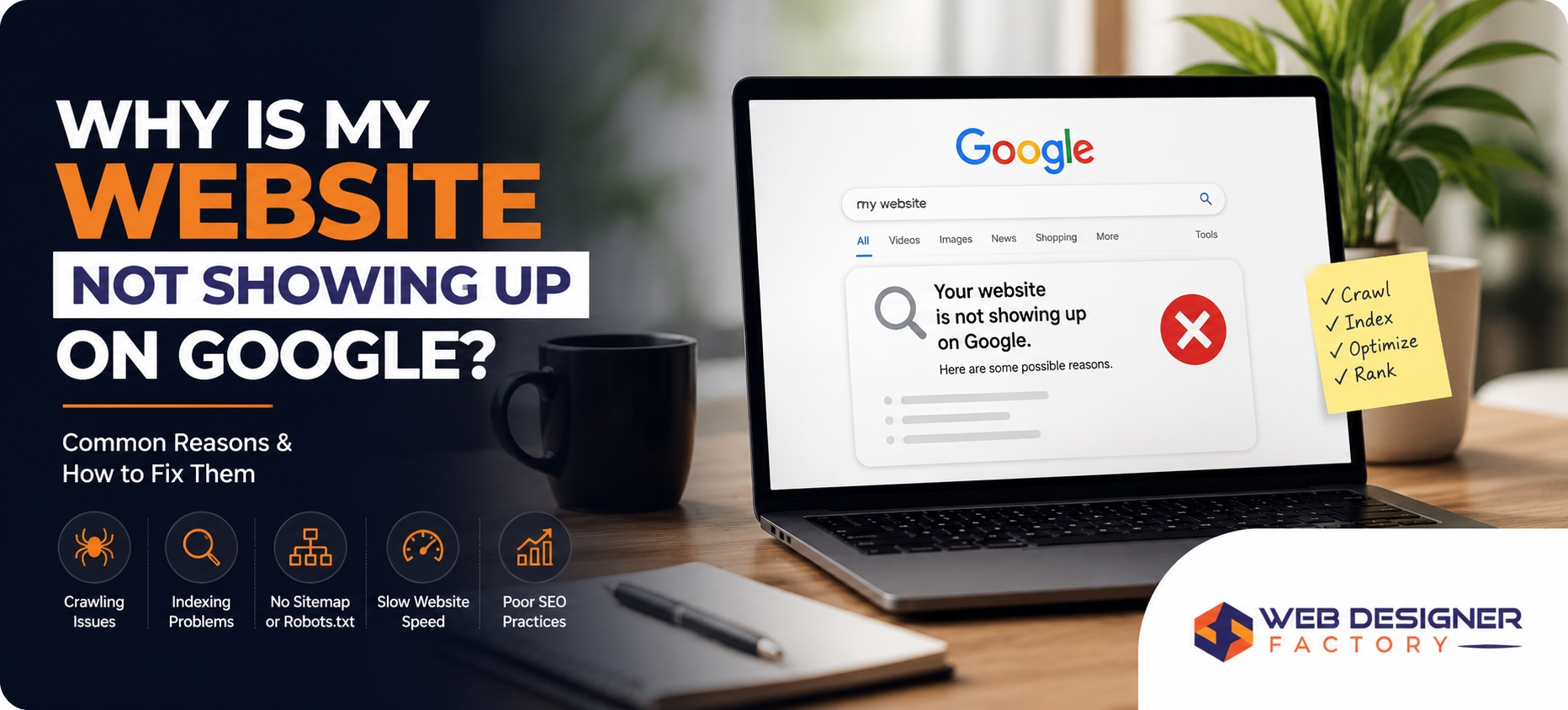
If you searched for your own business and your website did not appear, you are dealing with one of the most common and fixable problems in digital marketing. There is always a specific reason. This guide covers each one.
Web Designer Factory is a web design and SEO company based in Plano, TX that works with small and mid-size businesses across Dallas, Fort Worth, and the greater DFW area. Since 2017, we have helped hundreds of business owners diagnose why their website was invisible on Google and get it ranking for searches that drive real leads.
Here is what actually causes a website to disappear from search results, and what you can do about each cause today.
First: Check Whether Google Has Found Your Site
Before jumping to conclusions, run this test. Open Google and type:
site:yourwebsite.com
Replace “yourwebsite.com” with your actual domain.
If results appear, Google has indexed your site. The problem is not indexing. It is either keyword targeting, content quality, or competition. If no results appear at all, Google has not indexed your pages or something is actively blocking it.
This one check narrows down the problem immediately.
7 Reasons Your Website Is Not Showing Up on Google
1. Your Website Has Not Been Indexed Yet
Google does not index websites automatically on the day they launch. A brand-new site can take anywhere from a few days to several weeks to appear in search results, depending on how many other websites link to it and how often Googlebot crawls new domains.
How to fix it: Submit your sitemap directly to Google. Go to Google Search Console (search.google.com/search-console), add your property, then navigate to Sitemaps and submit your sitemap URL (usually yourwebsite.com/sitemap.xml). This tells Google your site exists and requests a crawl.
If you do not have Google Search Console set up, that is the first thing to fix. It is free and gives you direct visibility into how Google sees your site.
2. A Robots.txt File Is Blocking Google
Every website has a robots.txt file. This file tells search engine crawlers which pages they are allowed to visit. If it is misconfigured, it can accidentally block Google from crawling your entire site.
Check this by visiting: yourwebsite.com/robots.txt
If you see a line that reads:
User-agent: *
Disallow: /
That is a full block. Googlebot cannot crawl a single page on your site.
This is a developer-level fix. The disallow rule needs to be removed or corrected. If you are on WordPress, your developer or SEO provider can update this through the robots.txt file or through an SEO plugin like AIOSEO.
This is a surprisingly common issue on staging sites that get launched without removing the development block.
3. Your Pages Have a Noindex Tag
Similar to robots.txt, individual pages can carry a noindex tag in their HTML code. This tag tells Google: do not include this page in search results. It is useful on thank-you pages and login pages, but devastating when applied to your homepage or service pages by mistake.
How to fix it: In Google Search Console, use the URL Inspection tool to check any page that is not appearing. If it shows “Excluded by noindex tag,” your developer or SEO plugin applied that setting incorrectly and it needs to be removed.
4. You Are Targeting Keywords That Are Too Competitive
This is the most common issue for sites that are indexed but still not visible. Your website exists in Google’s database, but it is ranking on page 8 or page 15 because hundreds of older, more authoritative sites are targeting the same keywords.
Searching for “web design company” in Dallas puts you up against agencies with years of domain history, thousands of backlinks, and hundreds of pages of content. A new or low-authority site cannot win that battle immediately.
How to fix it: Start with longer, more specific keywords that have lower competition. For example, “affordable web design company for HVAC contractors in Dallas” has far less competition than “web design Dallas” and attracts a more qualified visitor. As your site builds authority, broader keywords become achievable.
An SEO audit will show you exactly which keywords your site can realistically rank for now versus in 6 to 12 months.
5. Your Website Has Thin or Duplicate Content
Google wants to show pages that genuinely answer what a searcher is looking for. If your website has pages with only 100 to 200 words, generic template copy that appears on dozens of other sites, or content copied from another source, Google will rank it poorly or not at all.
This is especially common on sites built with page builder templates, where placeholder copy never got replaced with original content.
How to fix it: Each service page needs original copy that covers what you do, who it is for, how your process works, what it costs (at least in ranges), and why a customer should choose you. The goal is not word count for its own sake. It is depth and relevance.
6. Your Site Has No Backlinks or Domain Authority
Google treats backlinks as votes of confidence. When other reputable websites link to yours, it signals that your site is trustworthy and worth showing in results. A brand-new site with zero backlinks starts with no authority, which makes ranking for competitive terms extremely difficult regardless of how good the content is.
How to fix it: Start with the basics. Get listed in Google Business Profile, your local chamber of commerce, industry directories, and any supplier or partner sites. Each legitimate mention of your business with a link back to your site builds the foundation. Over time, creating genuinely useful content that other sites reference is the most sustainable way to earn backlinks.
7. Your Website Has Technical Errors Google Cannot Crawl Past
Broken pages, redirect chains, slow load times, and JavaScript rendering issues can all prevent Google from properly crawling and indexing your content. If your website returns a 404 error on key pages, redirects visitors through multiple hops, or loads core content via JavaScript that Googlebot cannot process, entire sections of your site may be invisible.
How to fix it: Google Search Console’s Coverage report shows every crawl error on your site. Common fixes include correcting broken internal links, reducing redirect chains to a single redirect, and ensuring your most important content loads in the HTML rather than being injected by JavaScript after page load.
How Long Does It Take for a Website to Show Up on Google?
A new website with a submitted sitemap typically appears in Google’s index within 1 to 4 weeks. Ranking on page one for competitive keywords takes longer, typically 3 to 6 months of consistent SEO work for low-competition terms, and 6 to 18 months for competitive local markets.
There is no shortcut past this timeline. Any service promising first-page rankings in 48 hours is using tactics that will get your site penalized.
When to Bring in an SEO Professional
If you have run the site:yourwebsite.com check and nothing appears, checked your robots.txt and noindex settings, and still cannot identify the problem, the issue is likely technical and requires a proper audit.
A professional SEO audit reviews your full crawl status, indexation, keyword targeting, content quality, backlink profile, and technical health in one pass. It gives you a prioritized list of exactly what is wrong and what to fix first.
At Web Designer Factory, we offer a free SEO audit for small businesses across Dallas, Plano, Fort Worth, and the greater DFW area. Abbas Noorani, our founder and SEO strategist, personally reviews each audit and walks you through the findings before any engagement begins.
If your website is not generating leads, the audit tells you why.
Frequently Asked Questions
Why is my website not showing up when I Google my business name?
If your business name does not appear in Google search results, your website is likely not indexed yet, has a noindex tag applied, or your Google Business Profile has not been set up. Run a site:yourwebsite.com search in Google to confirm whether your pages are indexed. If nothing appears, submit your sitemap through Google Search Console immediately.
How do I get my website to show up on Google for free?
Submit your sitemap through Google Search Console, create a Google Business Profile, and get listed in relevant online directories. These steps cost nothing and cover the baseline requirements for Google to find and display your site.
How long does it take for Google to index a new website?
Most new websites are indexed within 1 to 4 weeks after submitting a sitemap to Google Search Console. Without submitting a sitemap, it can take significantly longer. Websites with backlinks from other sites tend to get indexed faster.
Why does my website show up for some searches but not others?
Your website is indexed, but it is only ranking for keywords where it has enough relevance and authority. Pages that are thin, lack specific keyword content, or compete against stronger sites will not appear for those searches. An SEO audit will identify the specific gaps.
Can a slow website affect whether it shows up on Google?
Yes. Google uses page experience as a ranking factor, and extremely slow pages may be crawled less frequently. More importantly, even if a slow page ranks, visitors leave before converting. Fixing page speed improves both rankings and the percentage of visitors who contact you.
Should I use Google Ads while waiting for SEO to work?
Google Ads can provide immediate visibility while your organic rankings build. However, ads stop the moment you stop paying. SEO builds compounding visibility over time. Running both in parallel during the first 6 months is often the most practical approach for businesses that need leads now and want sustainable traffic later.
Get a Free SEO Audit for Your Business
If your website is not generating the leads it should, we can tell you exactly why.
Web Designer Factory offers a free SEO audit for small businesses across DFW, including Dallas, Plano, Fort Worth, Frisco, McKinney, and the surrounding area. We review your full technical setup, keyword rankings, content quality, and local search visibility, then walk you through a prioritized fix plan with no obligation.
Call us at (469) 838-5702 or fill out the form on our free audit page to get started.
Written by Abbas Noorani, Founder and SEO Strategist at Web Designer Factory. Abbas has been building and optimizing websites for small businesses in the Dallas-Fort Worth area since 2017.
Last reviewed: June 2026